 LumiMax
 MenuPiP
 Codex Vitals
 RamSpin
Signal Room
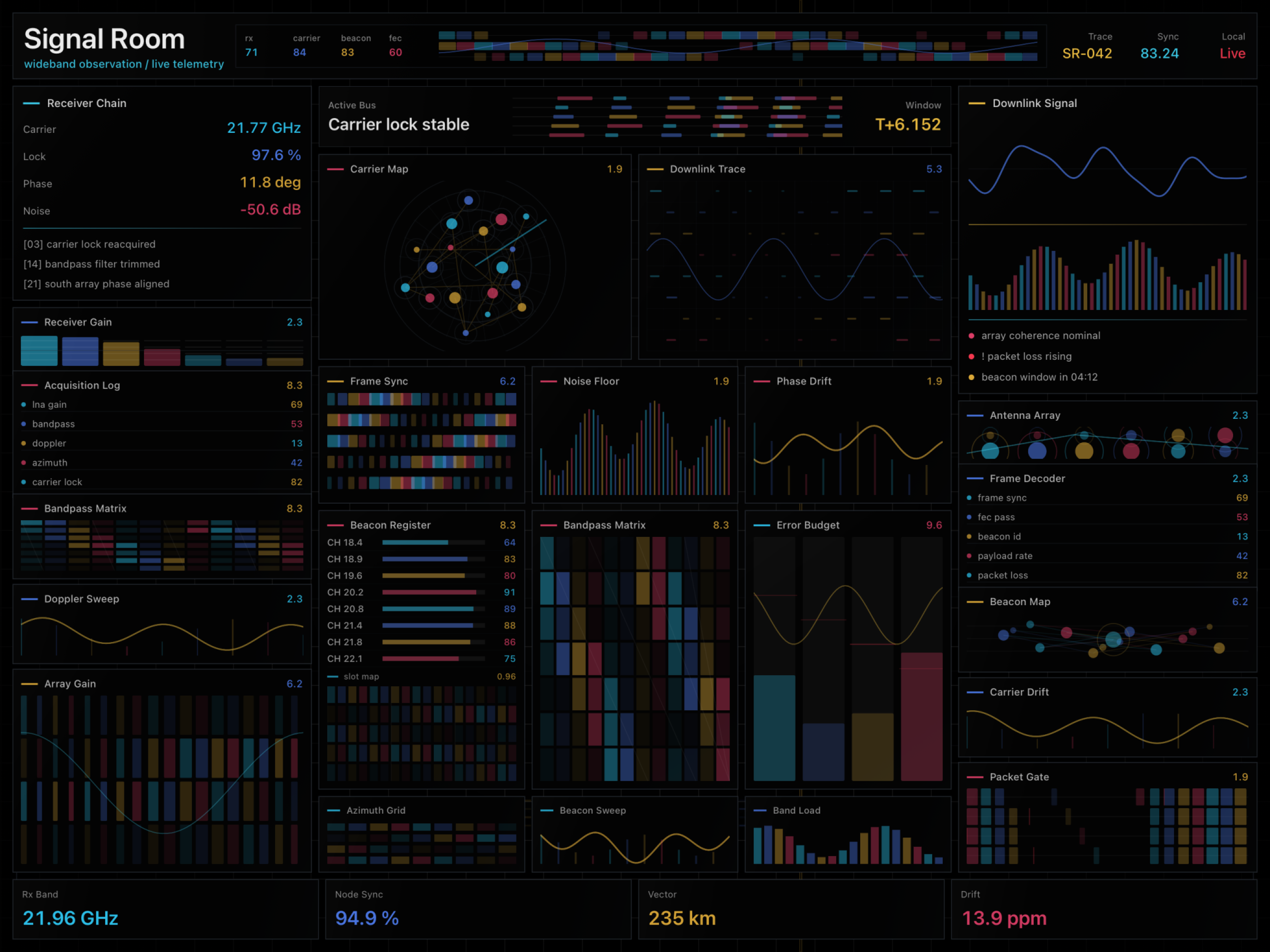
Something is being received. Probably. The lights are on and the panels agree.
 RamterStudio
Turn your iPad into a serious-looking control screen. It does nothing important, but it looks like it does.
Designed for landscape iPad. Best enjoyed on a desk, in a meeting, or at a cafe.
Preview
The first impression is intentionally simple: app icon, name, short promise, and a clear App Store status. After that, the page shows the dramatic screens and the joke behind them.
The honest pitch
Looks Important is not a calculator, not a satellite console, and not a secret trading terminal. It is a beautifully overbuilt ambient iPad screen for anyone who wants their desk to look a little more dramatic.
Six modes
Each mode fills the iPad with a different flavor of convincing nonsense: signals, models, markets, dollars, orbitals, and archives.
Something is being received. Probably. The lights are on and the panels agree.
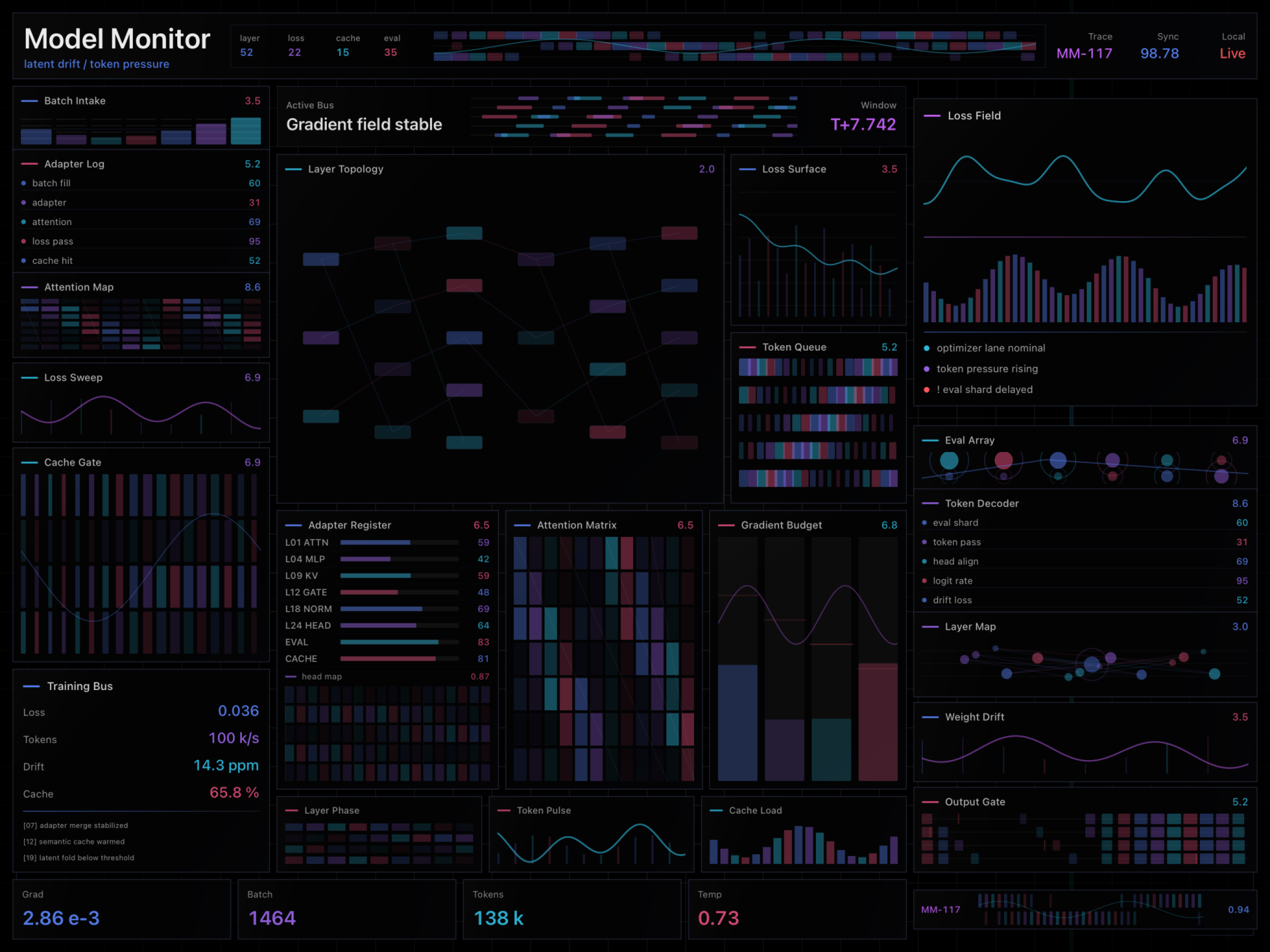
Looks like an AI system is being watched closely. The model is emotionally fine.
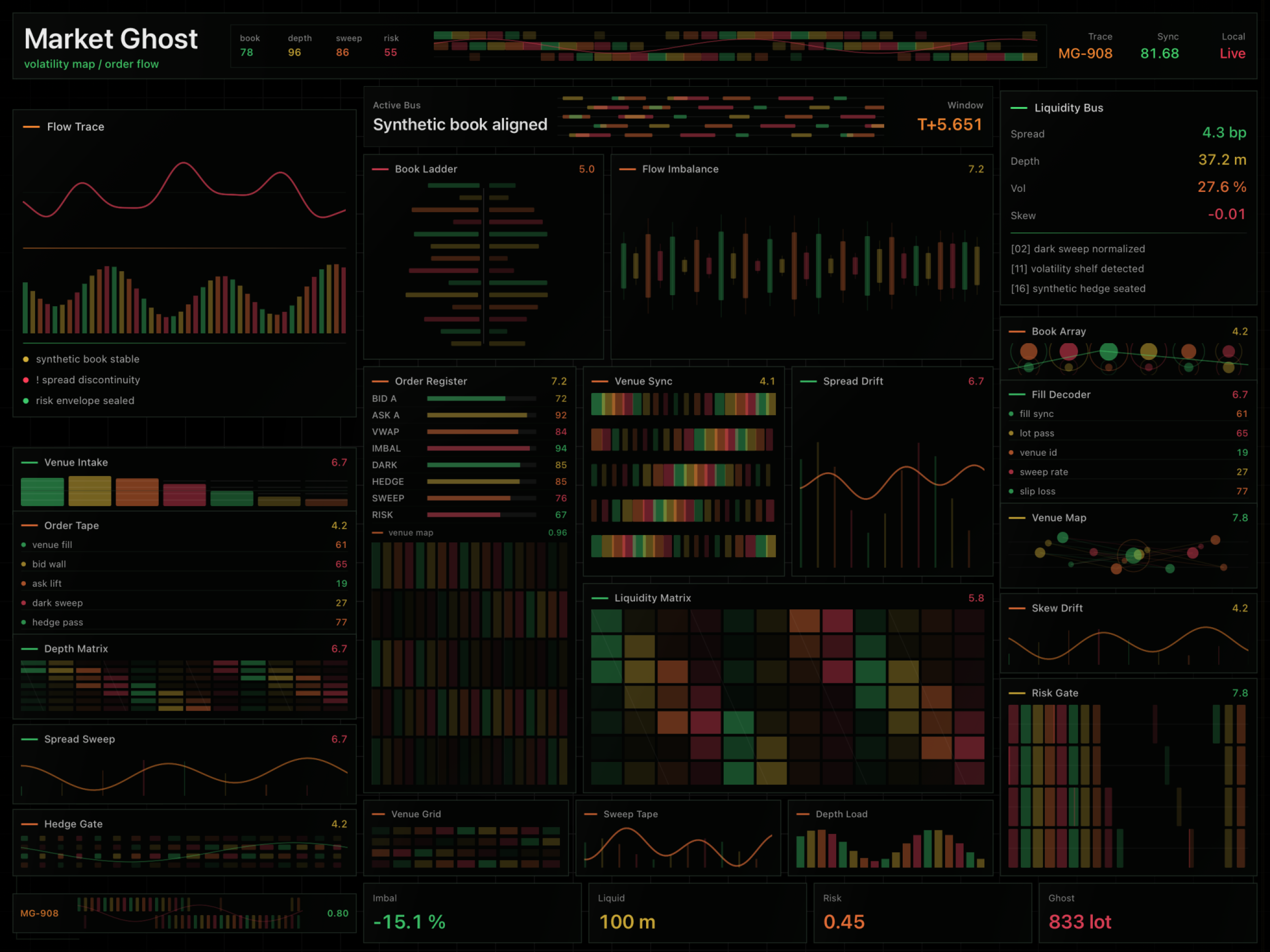
Reads like a trading desk. Do not make financial decisions from this screen.
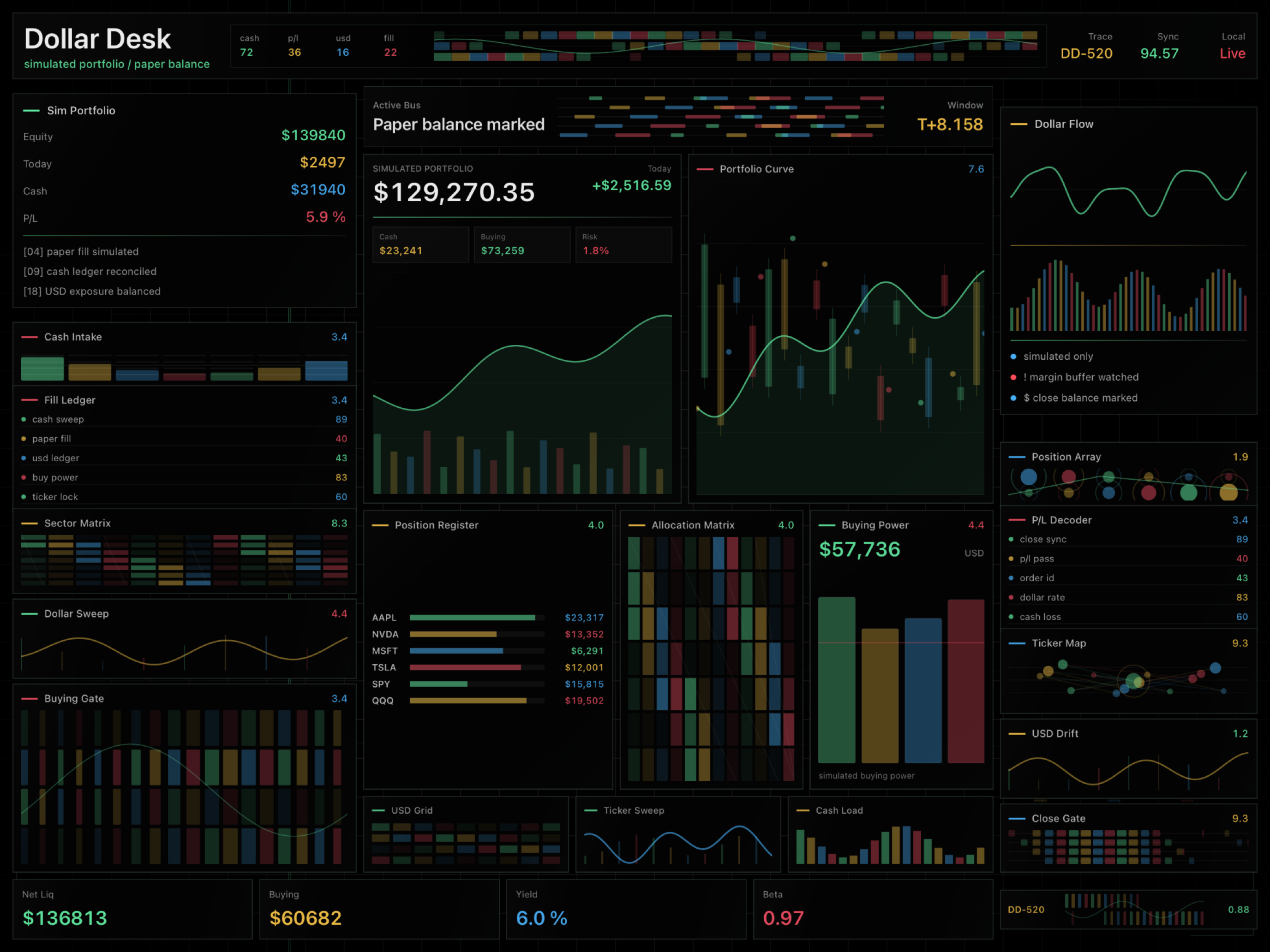
Money appears to be moving. No actual money is moved by the app.
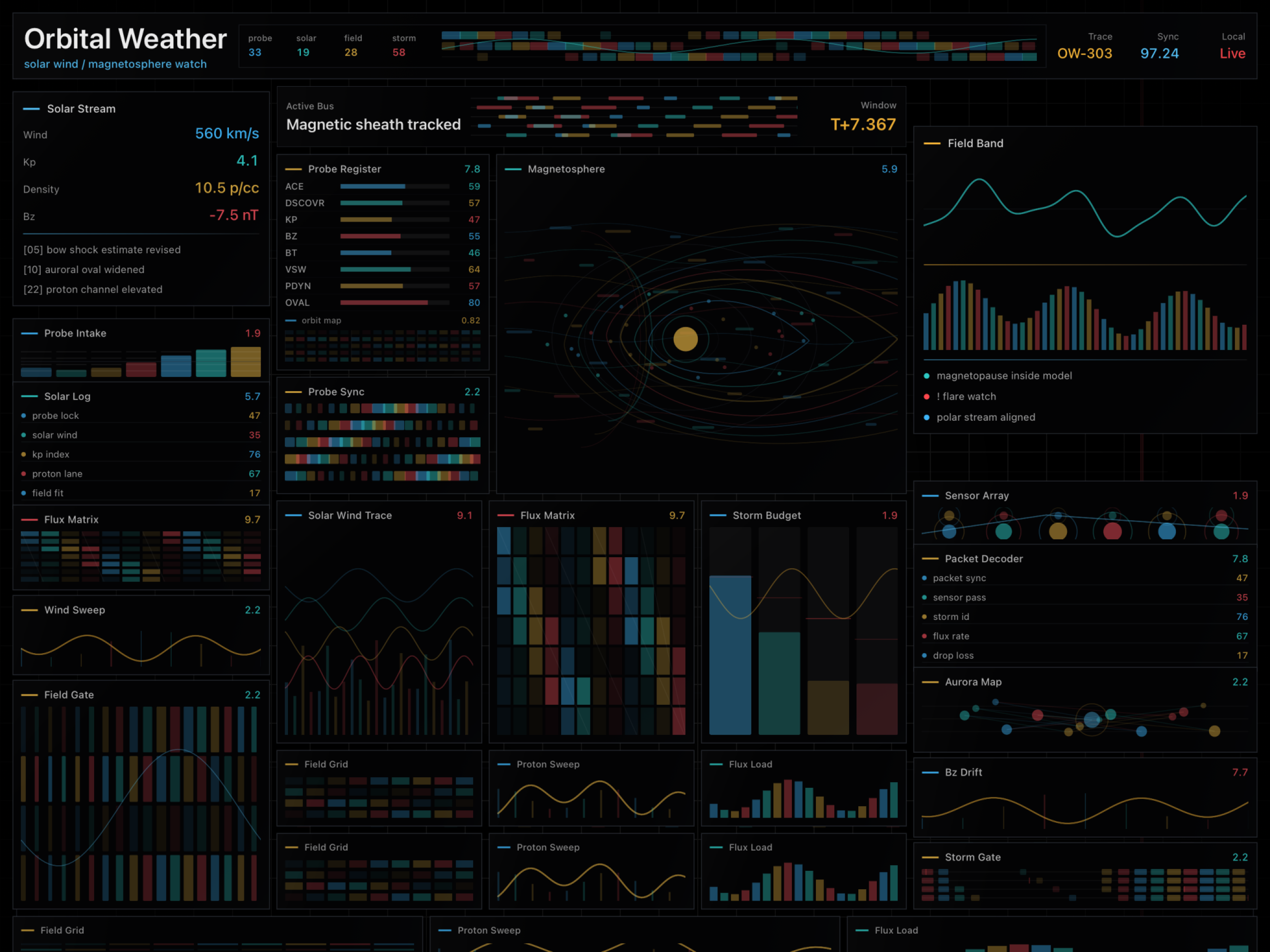
Space weather, terminal panels, and the calm confidence of a fictional mission.
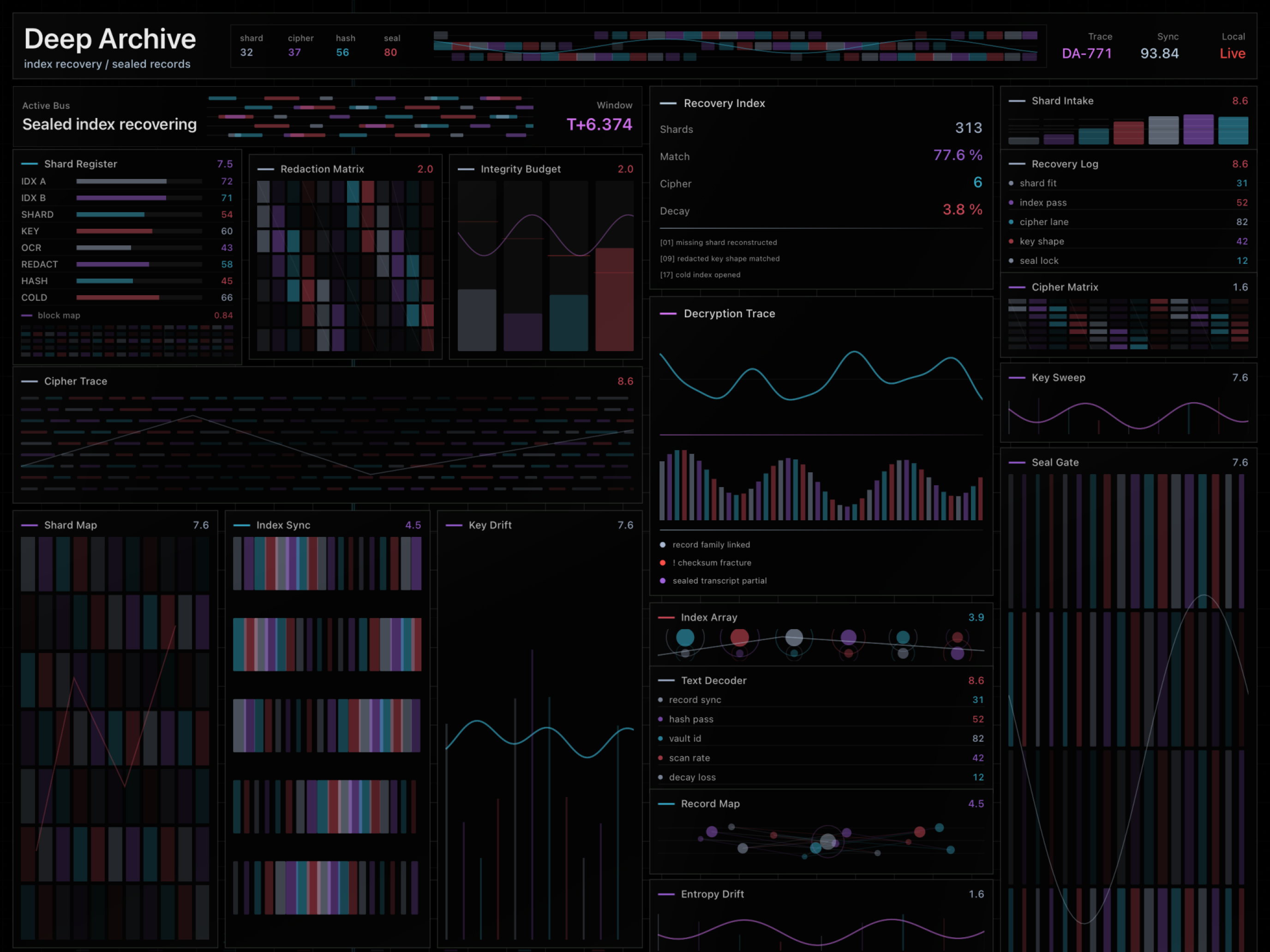
Looks like classified recovery work. There are no classified files. Probably.
It has no important function, but it does not look like it has no important function.
The Korean phrase says it plainly: 멋있어보려고만든화면.
Coming soon
Looks Important is being prepared for the App Store. Until then, this page shows exactly what the app is trying to do.
iPadOS 17.0 or later. Designed for iPad in landscape orientation.
Last updated: June 15, 2026
Looks Important does not collect, store, or transmit personal data.
The dashboard screens run on your device. Looks Important does not collect account, profile, location, contact, photo, microphone, camera, or screen recording data.
Any app preferences are stored locally on your iPad. App Store download and purchase information is handled by Apple. RamterStudio does not operate a server for Looks Important user data.
Looks Important does not use analytics, advertising, tracking, or third-party profiling services.
For questions about this privacy policy, contact us at ramterstudio@gmail.com.